Books / Google Workspace for Nonprofits, Run It
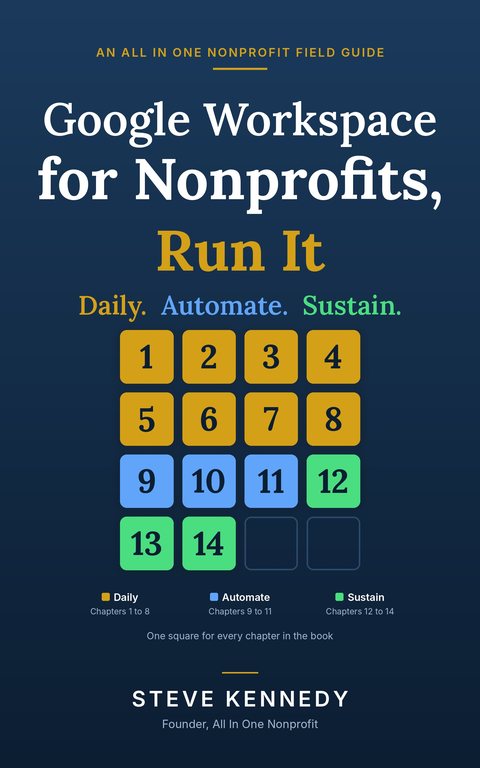
Google Workspace for Nonprofits, Run It
by Steve Kennedy
Daily. Automate. Sustain.
Setting Google up correctly happens once. Using it correctly happens every day, and that is where most of a nonprofit's time is won or lost. This book is for the executive director, bookkeeper, program lead or board member who holds the keys and wants an inbox that sorts itself, a calendar that books the room, a spreadsheet that answers the board's question and a form that routes a volunteer's request to the right person. Every chapter opens with a story from an invented adult literacy nonprofit, then gives the work in plain steps with the reason behind each one, an AI shortcut, the mistakes people make, and a short checklist. It works on the foundation built in Google for Nonprofits, Set Up Right.
Checkout by Stripe. BookFunnel emails your ebook within minutes, ready for Kindle, Apple Books, Kobo, Nook or the free BookFunnel app.
Want both books? The two-book set is $19.99 and includes a short bonus guide.
Fourteen chapters and an appendix
Daily · Chapters 1 to 8
- Chapter 1The One-Week Tune-Up
- Chapter 2Gmail That Works for You
- Chapter 3The Calendar as a Tool
- Chapter 4Drive Without the Mess
- Chapter 5Docs and Slides for Real Nonprofit Work
- Chapter 6Sheets as Your Database
- Chapter 7Forms That Feed a Process
- Chapter 8Meet, Chat and Spaces
Automate · Chapters 9 to 11
- Chapter 9Automation Without Code
- Chapter 10Five Scripts Worth Copying
- Chapter 11An AI Toolkit by Role
Sustain · Chapters 12 to 14
- Chapter 12The Board, Volunteers and Guests
- Chapter 13Security You Will Actually Keep Up
- Chapter 14Tracking Money, Donors and Grants in Sheets
Appendix
- ATemplates, Prompts and Checklists
A sample: how Chapter 1 begins
Chapter 1: The One-Week Tune-Up. The story.
Maria Delgado's first Monday as executive director of the Bluewater Literacy Project began with four hundred unread messages. She had expected a few. Martin Szabo, the founding director, had retired to Arizona, and he still wrote back, from his own email, to people who had written to the info@ address.
Theo Lindqvist, who ran the help desk for the tutors, offered to look at it with her. They sat in the library community room with two laptops. Maria scrolled. Funder questions were mixed in with tutor schedules, a vendor invoice sat between two newsletters, and a message from the board chair, Denise Holloway, was on the third screen down.
"It's not that the setup is wrong," Theo said. "I put it in myself, and it works. The shared drives are there, the groups are there, mail from our domain gets delivered. But we built the building. Nobody has moved in."
What comes with the book
- A one-week tune-up that starts paying back in the first few days.
- Google Apps Script examples you can copy for the chores that repeat, with the permissions each one asks for explained before you approve them.
- A library of AI prompts written to keep donor and client details out of the tool, and an AI toolkit organized by who does the work.
- Templates to build, a quarterly checklist, and a checklist at the end of every chapter.
- Steps described in words rather than screenshots, because screens change first. Amounts, limits and which edition includes what are kept on one current facts page that is checked and dated.
- Not affiliated with, sponsored by or endorsed by Google LLC. General guidance, not legal, tax or accounting advice.
What readers say
Free on an annual plan
Organizations on a paid annual plan of All In One Nonprofit get every book here free, inside the platform. See the plans at https://www.allinonenonprofit.com/pricing/.
About the author

Steve Kennedy is the founder of All In One Nonprofit. He has served volunteer-run organizations for decades, as a director, as president and as the person everyone called when the tools were too technical. More about Steve
More books
The First 90 Days series, Tips for the Day and the free Giving Tuesday guide: https://www.allinonenonprofit.com/books/