A quick one to learn
This is a simple, single-box tool, so there is not much to set up. Open it on one side and keep this guide on the other if you like. It opens in a new tab when you click Open the assistant above.
How this works
The assistant reads your organization's own live data on All In One Nonprofit and answers in plain language, so there is no separate demo. You need to be signed in to your All In One Nonprofit account. Its answers are informational, not legal or tax advice.
Think of it as someone who has read all your records. Instead of opening five apps to remember when your 990 is due or what the board still owes, you just ask.
Open it and sign in
Open the assistant. If you are signed in to your All In One Nonprofit account, you land straight on a single question box with a row of example questions underneath it. If not, sign in first, since the answers come from your private organization data.
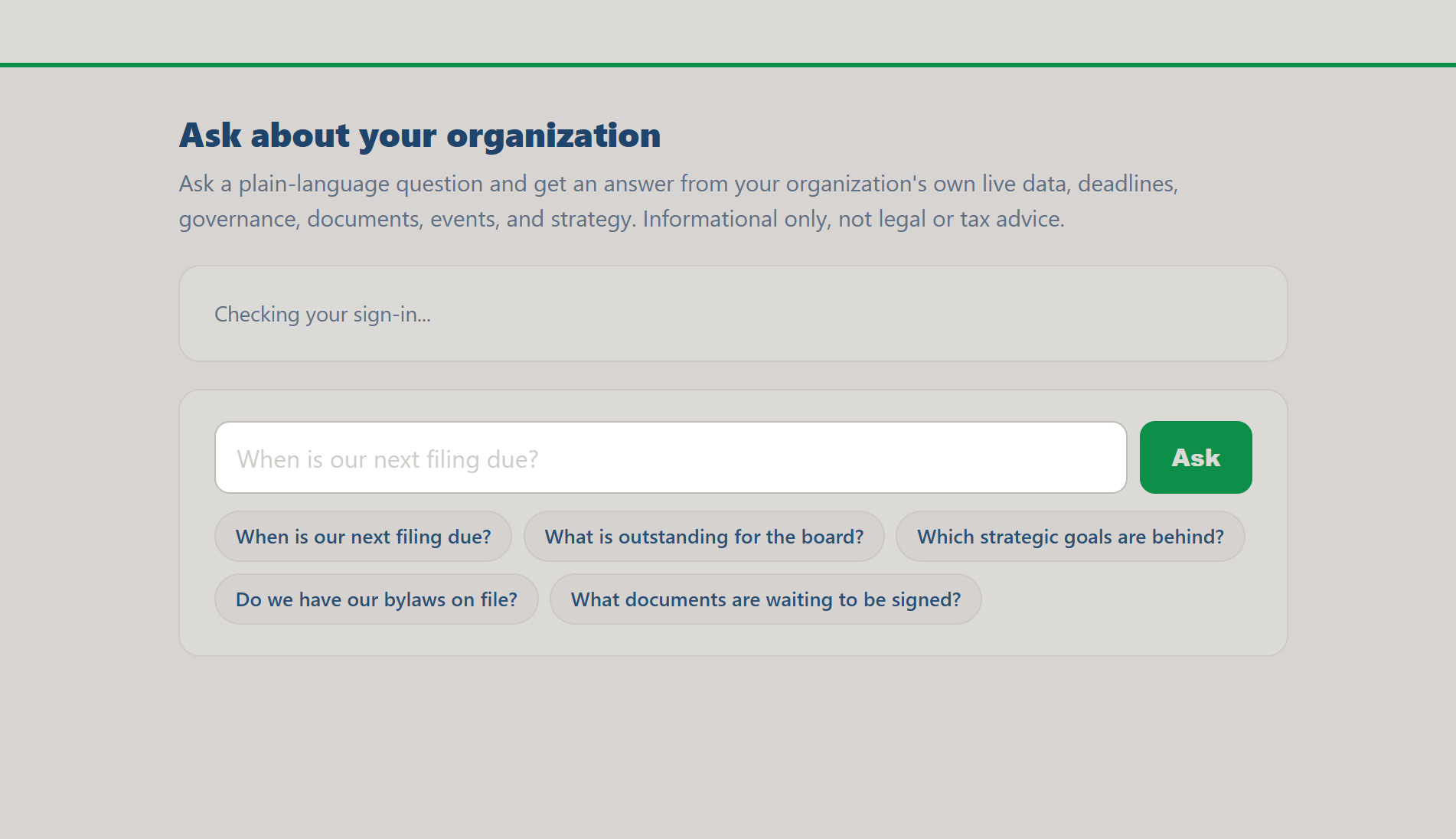
The assistant's single question box, with example questions ready to tap.
Do this: Click Open the assistant and sign in if asked. You will see one text box and a row of example questions.
Why it matters: because the answers are about your real organization, sign-in keeps them private to you and your team.
Ask a plain-language question
Type a question the way you would say it out loud, then press Enter or click Ask. The flagship example is "When is our next filing due?" but you can ask about almost anything in your records.
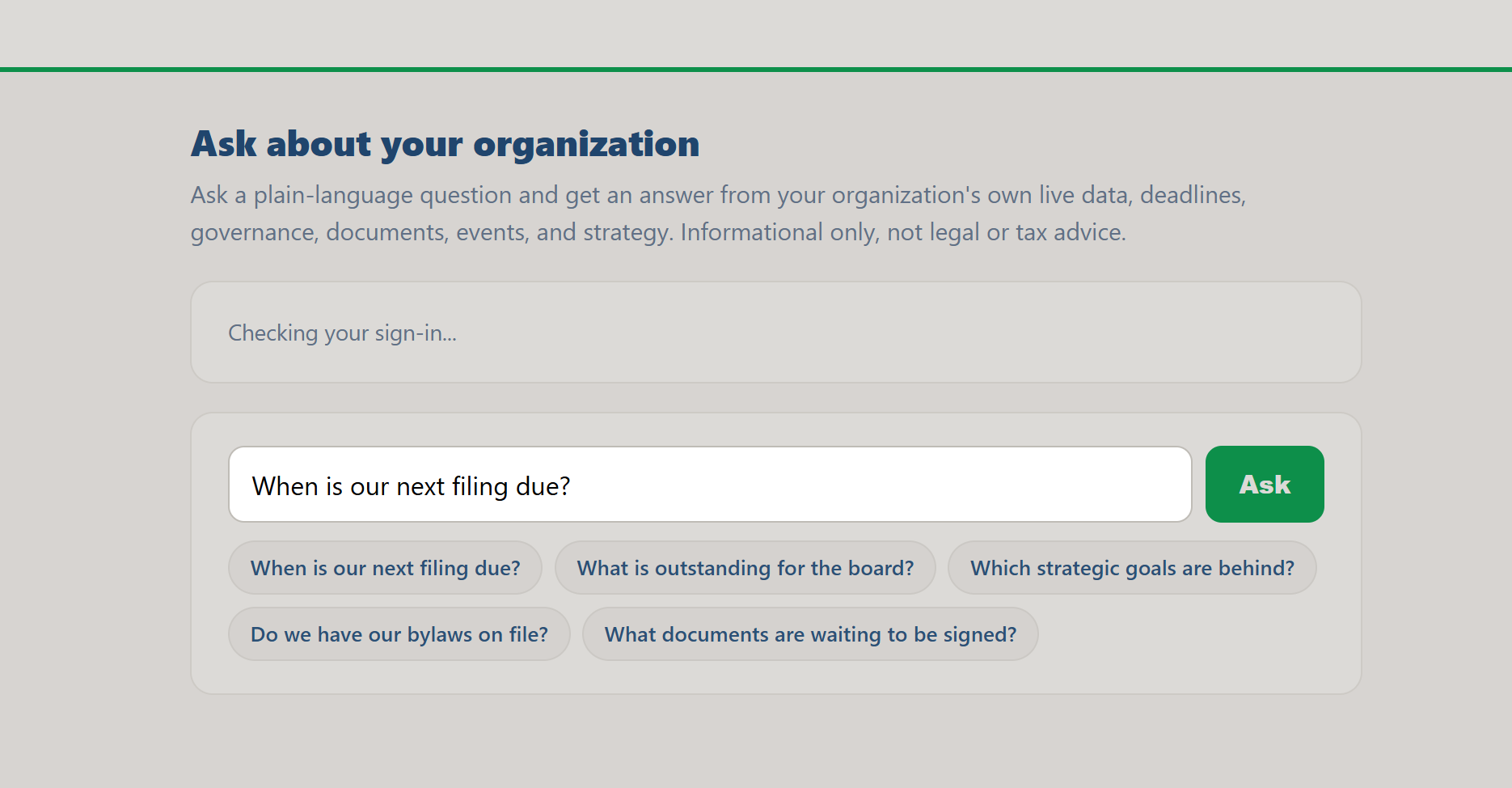
Type a question in your own words and press Ask, or Enter.
Do this: Type a question such as "When is our next filing due?" and ask it. Or tap one of the example chips to fill the box and run it instantly.
Why it matters: you do not have to know which app holds the answer; you just ask in your own words.
Read the answer from your live data
The assistant reads your organization's current information, deadlines, governance, documents, events, and strategy, and answers in a short, clear paragraph rather than a wall of text. Asking "When is our next filing due?" returns your actual next filing and its real due date, computed from your own Compliance Tracker profile, not a generic rule of thumb.
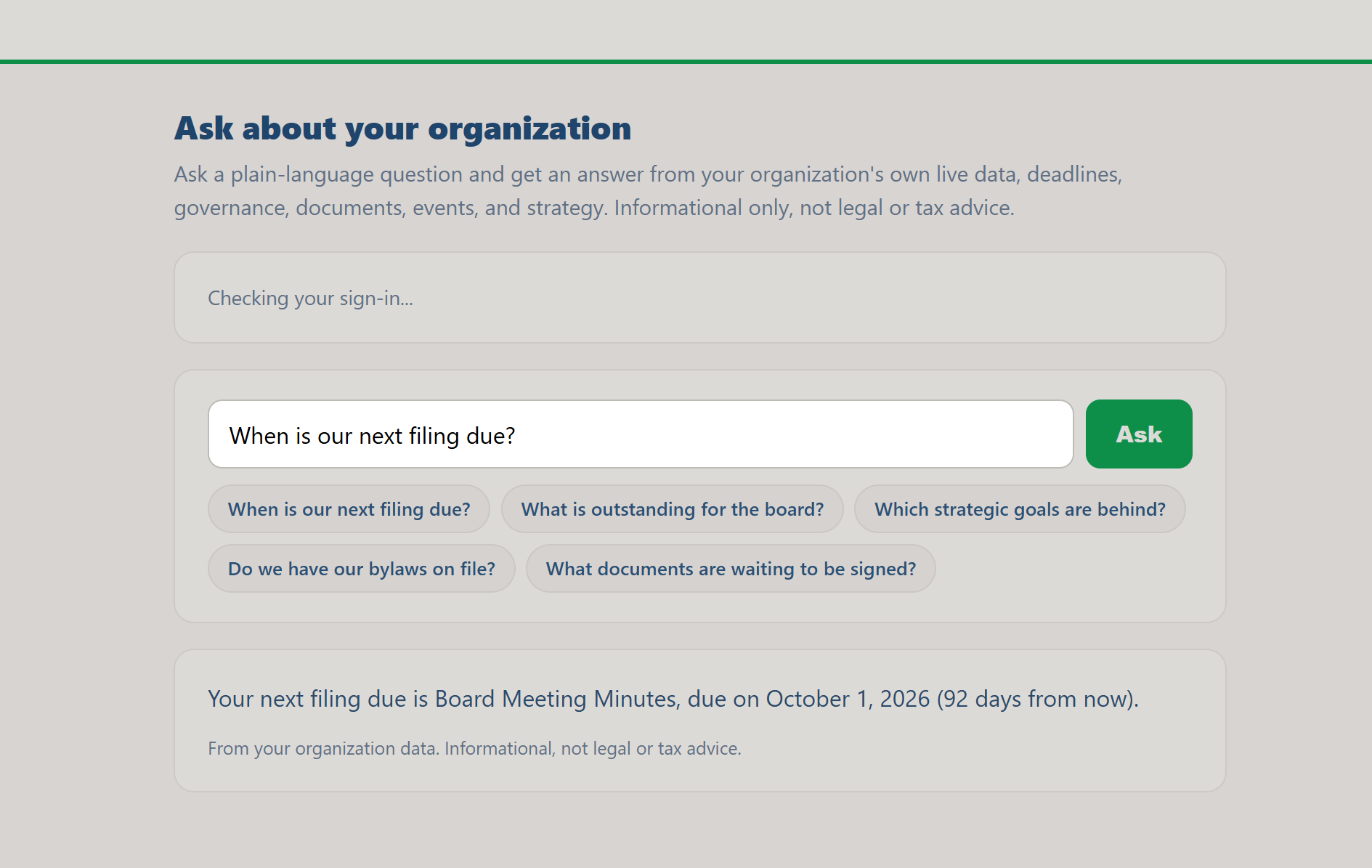
A real answer from real data: the next filing, its name, and the actual due date.
Do this: Read the answer. Try the example chips for board tasks, strategic goals that are behind, whether your bylaws are on file, and documents waiting to be signed.
Why it matters: a grounded answer from your own records beats guessing or digging through menus.
Follow the deep links
Where it helps, the answer includes links straight to the right place, your bylaws in the Document Library, the board area, your strategic plan, so you can act on the answer in one click. Some links appear inline in the text, others as buttons below it.
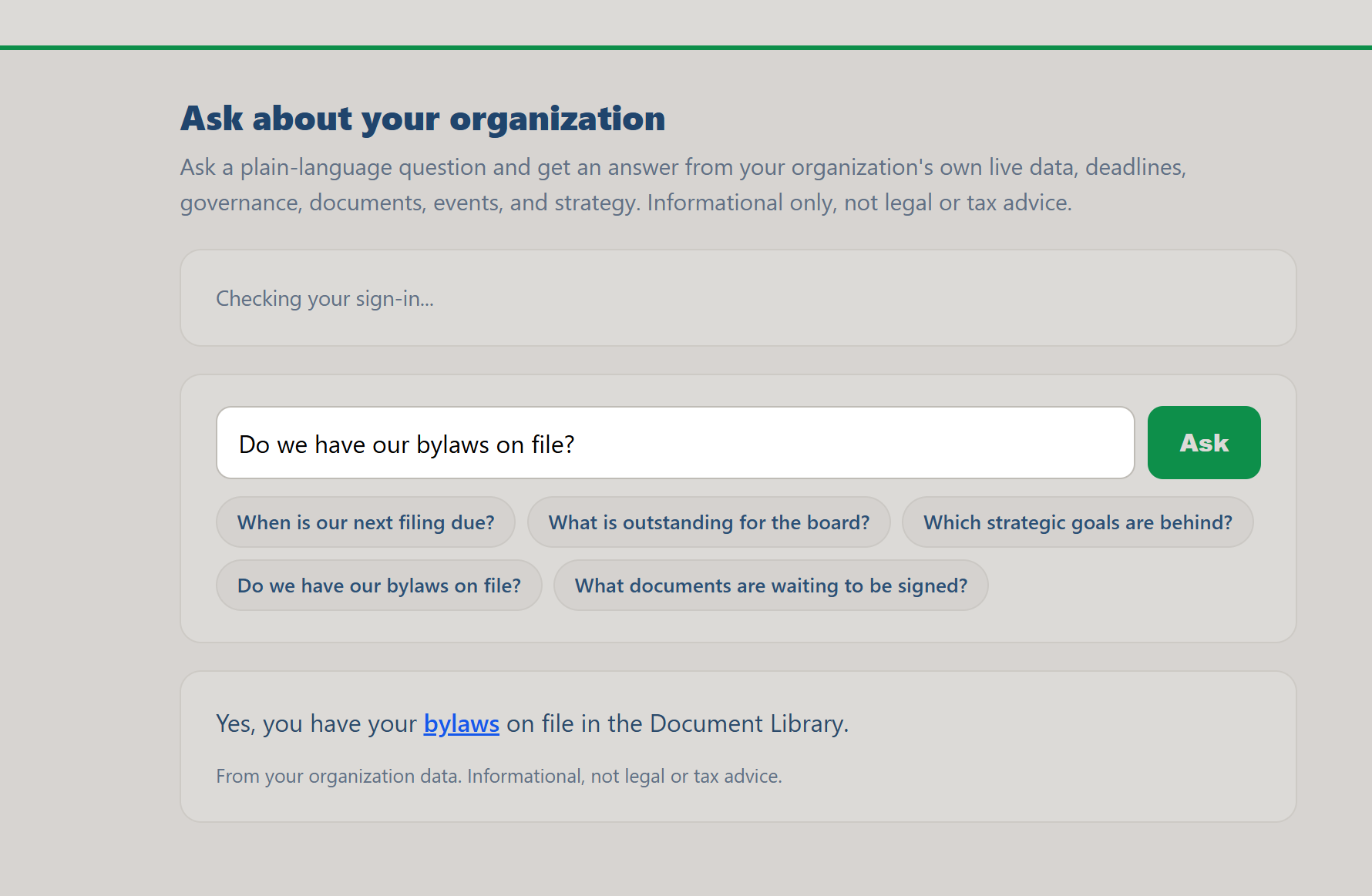
Asking about bylaws returns a clickable link straight into the Document Library.
Do this: Ask "Do we have our bylaws on file?" and click the link in the answer to jump to that document.
Why it matters: the assistant does not just answer, it takes you to where you can do something about it.
Keep it in mind for quick checks
The assistant is best for quick, factual questions about your organization's current state. It is informational, not legal or tax advice, so confirm important obligations with a professional.
Do this: Bookmark the assistant and use it whenever a "where do we stand on X" question comes up, before opening any other app.
Why it matters: a fast, plain-language check saves you from hunting across apps for an answer you need right now.
Ask away
You now know how to ask the assistant a plain-language question and act on the answer with its deep links. It is the fastest way to get a read on where your organization stands.